Selling a WordPress plugin is a continuing delivery promise. Buyers need the right ZIP, a working installation, understandable license terms and a reliable way to receive updates. An attractive product page cannot compensate for a broken activation or renewal flow.
Easy Digital Downloads can form the commerce layer of that system. Before building the checkout, separate the decisions about purchasing, download access, license entitlement and plugin updates. They are related, but they are not the same thing.
Define exactly what the purchase includes
Write down the number of sites, license duration, support scope, update entitlement and renewal terms for each option. State whether renewal is automatic or manual. Explain what happens when a license expires and whether the installed plugin keeps working.
Do not describe a license as lifetime if hosting, support or updates have a shorter commitment. If one tier includes several products, list them. If your plugin depends on WooCommerce, LearnDash or another paid product, disclose that dependency before checkout.
Choose the licensing implementation
EDD’s Software Licensing extension provides licensing and update-related functionality; do not assume that installing the free commerce plugin supplies all of it. Review the extension’s capabilities and its configuration documentation against your requirements.
Your plugin still needs an appropriate integration with the licensing service. Test activation, deactivation, limits, invalid keys and the responses your interface shows. An error message should explain the next step without exposing internal server details or other customers’ licenses.
Prepare the release package
Install the downloadable ZIP into a clean WordPress site. Confirm that it produces one correctly named plugin folder and that the expected main PHP file is discoverable. Exclude development secrets, test databases, unrelated build tools and private customer information.
Match the plugin header version, release notes and downloadable file. Document the supported WordPress and PHP versions you actually tested. Do not claim compatibility with a major extension simply because the plugin activates alongside it.
Test purchasing and download access
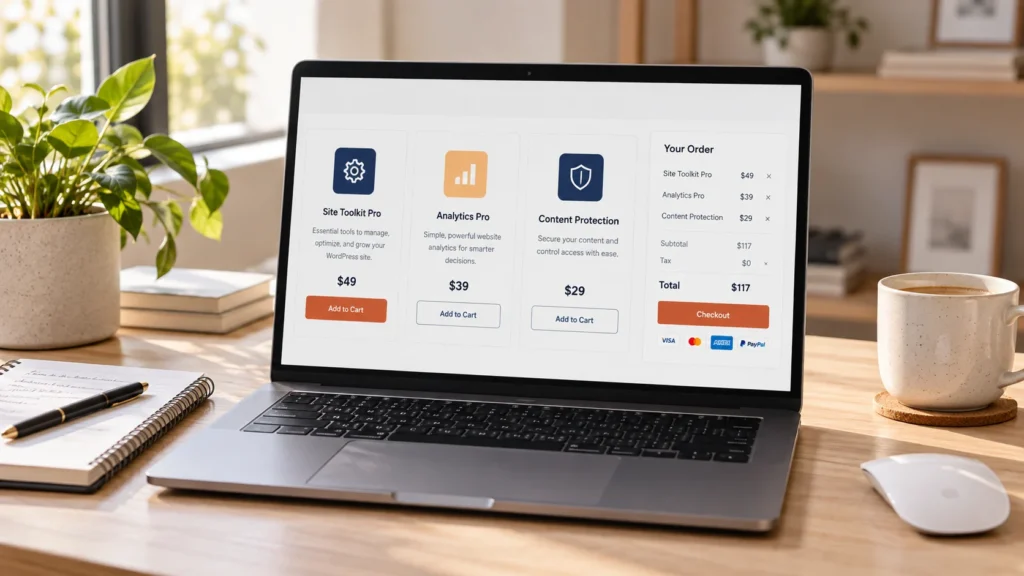
Create test purchases for every price option. Check the amount, order reference, account relationship and the file actually delivered. Test a signed-in buyer and a new buyer. A pending or failed order should follow the access policy you configured, rather than accidentally releasing paid files.
Open the receipt in a real inbox and follow the account link. Confirm that customers can find the current download and understand where their license key lives. Preserve EDD’s native download and license tags when editing receipts instead of replacing them with a public ZIP link.
Verify the update journey
Install an earlier release on a test site, activate an eligible license and publish a newer test release. Verify that WordPress detects the update and downloads the intended package. After updating, confirm that settings remain intact and the plugin’s important features still work.
Repeat with an expired, inactive or invalid license. The resulting behavior should match your sales page. Test a temporarily unreachable licensing server and avoid turning a transient network failure into a destructive settings reset.
Design support around evidence
Ask buyers for the plugin version, WordPress version, relevant extension versions, steps to reproduce and sanitized errors. Never ask them to post license keys or administrator passwords in public. Provide installation instructions, an update guide and a clear support channel.
For renewals and refunds, test the complete event chain: order state, license state, customer email and account presentation. Keep the terms and the software behavior consistent. An email saying a refund is recorded should not claim the buyer’s bank has already returned the money.
Before accepting live orders
- Every pricing option buys the advertised entitlement.
- The downloaded ZIP installs successfully.
- Customer and admin receipts contain the correct order data.
- License activation and site limits behave as advertised.
- An eligible installation can update successfully.
- Renewal, expiry, cancellation and refund behavior are documented and tested.
- Documentation, privacy information and support links are reachable.
Plan one release from purchase to update
Use a small example plugin while you build the store. Give it an initial release and a later release with a visible, harmless change. Keep the package names, plugin header versions and release notes aligned. This creates a repeatable way to check delivery without using a customer’s installation.
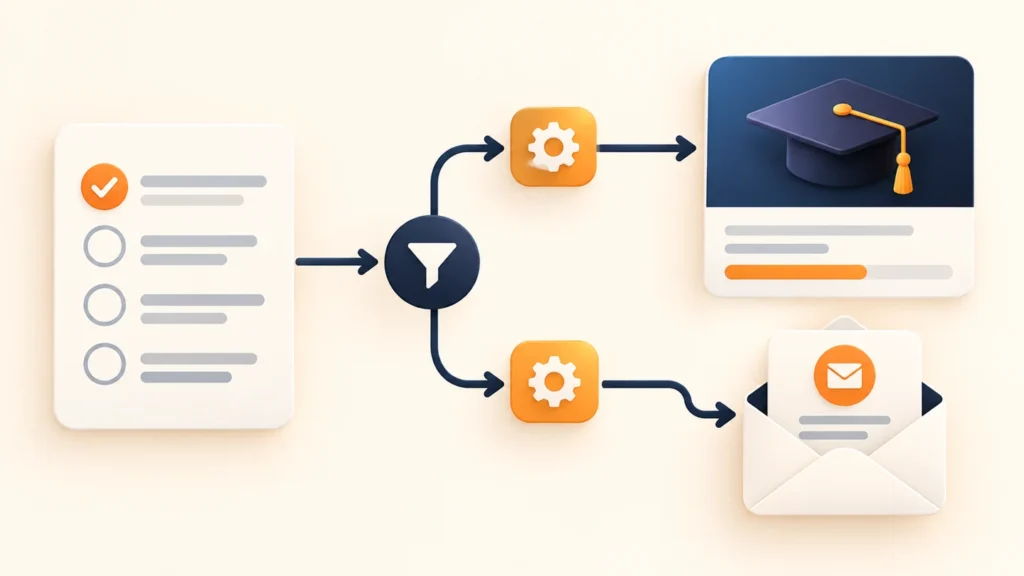
In EDD, a product download, a license entitlement and an update package serve different purposes. The Software Licensing instructions describe the version, update file and changelog fields. Your plugin’s updater still needs to be integrated with the licensing service. A license field in the store does not prove that WordPress can download an update.
- Create the example product and state the term, site allowance and renewal method. Identify which extensions or custom integrations supply those capabilities.
- Complete a test-mode purchase and inspect the receipt and account. Check the delivered file and entitlement for the selected price option.
- Install the first release on a separate test site. Activate an eligible key using the documented plugin controls.
- Publish the later test release through the configured update mechanism. Check discovery, download, installation and preservation of existing settings.
- Repeat the relevant checks with ineligible entitlement and an unavailable licensing service. Compare the behavior with your sales terms.
This is a test procedure, not a claim that every EDD setup supports the same workflow. Software Licensing, recurring payments and a custom license service can have different responsibilities. Name the implementation in your guide or customer documentation.
Use the release checklist before shipping
Download the plugin release checklist. It covers installation, purchase delivery, activation, site limits, updates, expiry, renewal and refunds. Record actual results and a private evidence reference for each case.
A useful release note tells an existing customer what changed and what to check. For example, identify a new setting, its default and whether existing installations need action. Avoid promising automatic updates if customers must download a ZIP manually. Promo Master’s published documentation, for example, distinguishes support activation from automatic update installation.
Keep support examples free of full keys, private download links and customer details. A screenshot can show where a key appears without publishing a usable key. Ask for versions and reproduction steps before requesting access to a live website.
Common questions
Is an EDD download the same as a license?
No. A download provides a file. A licensing implementation manages entitlements such as activation limits and updates.
Can I offer a free plugin alongside paid products?
Yes, but clearly separate free functionality from paid functionality and test the delivery and support expectations for each.
Need a plugin and store implementation?
Explore our custom plugin development service. For an existing EDD setup, send us your release and purchase requirements or use a scoped development-hours block for focused implementation work.
Conceptual editorial image created for WooCrafters; interface shown for illustration.