
An AI WordPress plugin can help draft product descriptions, answer common questions or organize content. The right choice starts with a specific job and a measurable review process. A demo that produces fluent text does not prove the plugin is suitable for your customers or data.
Before installing, write down what you want the plugin to do, what information it needs and who approves its output. For a small first project, choose a workflow you can reverse easily, such as drafting content for an editor to review.
Define the workflow before comparing features
Describe one complete task. For example: draft a product description from approved specifications, save it as a draft and let an editor verify it. Specify what the plugin must never invent, including prices, compatibility, shipping promises and warranties.
Evaluate the time spent checking and correcting output, not only how quickly it generates a draft. A tool that creates more review work than it saves may be unsuitable even if its feature list is impressive.
Understand where your data goes
Find out whether the plugin processes locally or sends requests to an external service. Read the plugin’s documentation and the relevant provider’s data-handling terms. Check the actual account and plan you would use because settings and commitments can differ.
WordPress’s Plugin Directory guidelines address external services and tracking disclosures. Directory availability is useful context, but it is not a substitute for reviewing the specific integration and provider.
Start with public, approved content. Do not feed customer messages, account details or private course material into an external model merely because a plugin offers an import button. Identify the data needed for the task and exclude anything unnecessary.
Check permissions and action boundaries
Who can use the feature? Can it publish directly, edit existing pages, change settings or execute actions? Restrict access to appropriate roles and prefer a preview or draft stage for customer-facing content.
If the plugin can call tools or perform actions, test what happens when a webpage or uploaded document contains instructions. Imported material should be treated as content to analyze, not authority to change the site. A support assistant should not change an order simply because text in a message tells it to.
Calculate the complete cost
Separate the plugin fee from usage charges, hosting requirements and any additional model subscription. Ask whether the plugin includes usage credits or requires your own API account. Review limits, overage behavior and what the user sees when a limit is reached.
Run a representative batch and measure usage. Estimate a normal month and a busier month. Check whether costs vary with long conversations, imported documents or background processing. A free plugin does not necessarily mean free requests.
Test accuracy with business-specific cases
| Test input | Expected behavior |
|---|---|
| Incomplete product specifications | Identify missing information rather than inventing it |
| Question outside the approved knowledge | Explain uncertainty and provide a support route |
| Old and current policy documents | Use the intended current source and surface conflicts |
| Request involving another customer’s order | Keep access restricted and avoid exposing private data |
| Unavailable API or exhausted allowance | Show a useful failure state without losing content |
For content generation, verify factual claims, links and product details before publication. For an assistant, review answers against approved documentation. A confident tone is not evidence. Keep a route to a person when the answer needs judgment or account-specific investigation.
Verify reliability and exit options
Test the plugin on staging with your theme and important extensions. Check page performance, errors and mobile presentation. Disable the feature and confirm that existing content remains usable. Establish how you would export settings or switch providers if necessary.
Review update history, documentation and support responsiveness. Check whether API keys stay on the server and are excluded from page HTML, scripts and public logs. Avoid sharing a single unrestricted credential across unrelated sites.
Start with a limited pilot
Choose a small set of tasks, a budget limit and named reviewers. Track accepted outputs, corrections, failures and review time. Expand only after the pilot demonstrates an improvement in the workflow. Keep the original process available while you test.
Common questions
Can AI publish all our blog posts automatically?
It can be technically possible, but publication should follow your factual, editorial and brand review requirements. Start with drafts and an accountable reviewer.
Does an AI plugin run entirely inside WordPress?
Some functionality may, but many plugins depend on external services. Read the specific plugin and provider documentation.
Scope an AI feature around a real business task
Our AI integration service can help define the data flow, permissions and review process. If an existing plugin cannot fit the workflow, explore custom plugin development. Send us the task you want to improve, rather than a list of AI features.
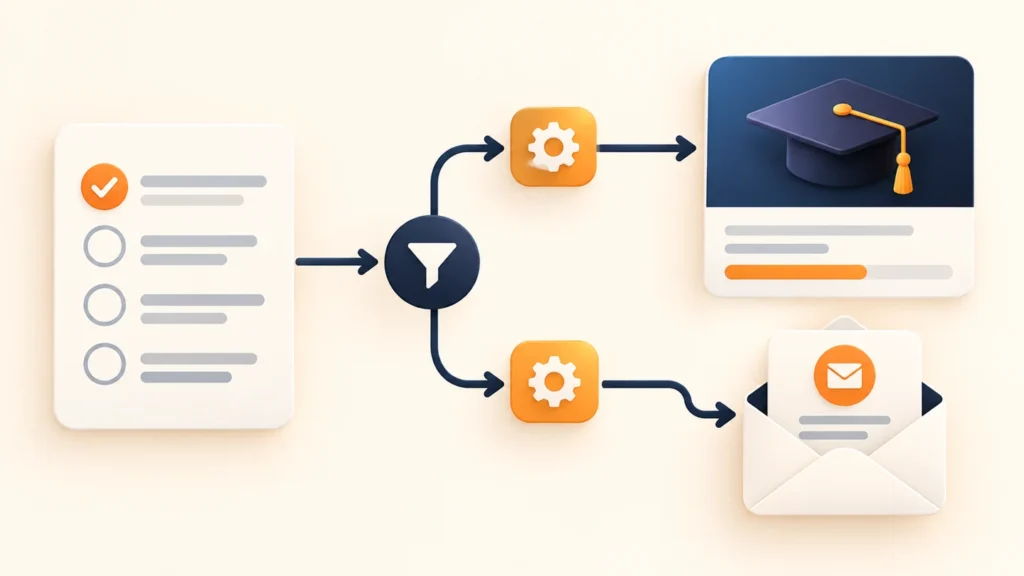
Conceptual editorial image created for WooCrafters; interface shown for illustration.