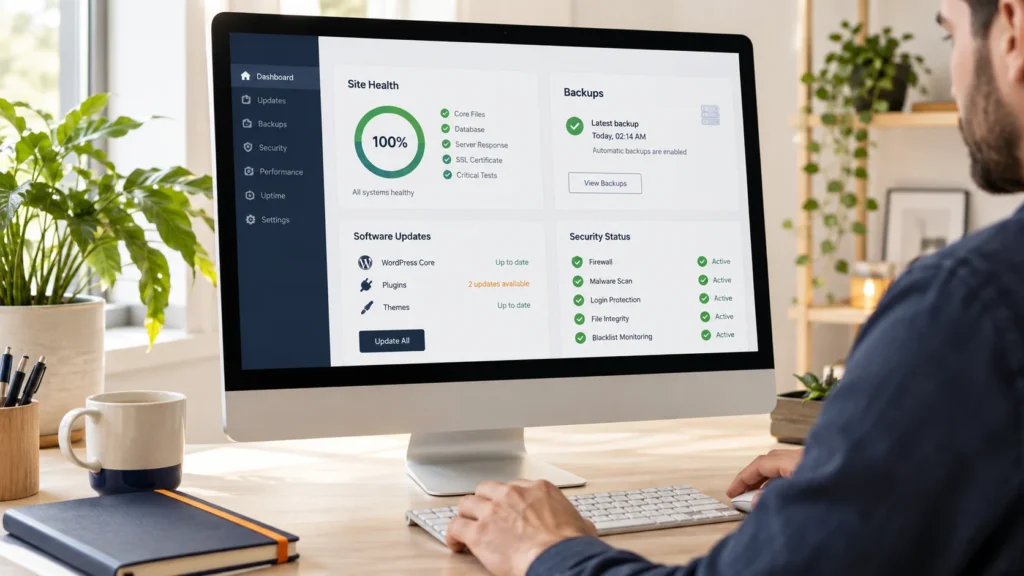
A dashboard with no update notifications is not evidence that a business website is healthy. The contact form could be losing messages, checkout emails could be failing, or the latest backup could be impossible to restore.
A useful WordPress maintenance checklist focuses on the business journeys the site must keep delivering. For a store, that includes payment and fulfillment. For a course site, it includes login and access. For a service business, it includes enquiries reaching the right inbox.
Start with a documented baseline
List the site’s critical pages, installed extensions, supported versions, hosting provider and external services. Record who owns each account and how an authorized maintainer can access it. Keep credentials in an appropriate password manager rather than inside the maintenance report.
Define what counts as an urgent incident and how to report it. Monitoring, response, investigation and repair are different commitments. A plan that monitors a site is not automatically a promise of continuous staffed support or unlimited development.
Check backups and practice restoration
Back up both the database and the files needed to rebuild the site. Set retention and frequency around how quickly important data changes. A store receiving daily orders needs a different recovery discussion from a brochure site updated twice a year.
Keep a recovery copy separate from the live installation and protect it appropriately. Test restoration into an isolated location. Verify recent content, media and the critical journeys after restoring. The existence of a backup file alone cannot demonstrate recovery readiness.
For an active store, discuss how orders created after the backup would be handled before restoring production. A full database rollback can remove newer transactions. Record the recovery decision and reconcile any affected orders instead of treating rollback as a harmless undo button.
Update with a verification plan
Review WordPress, plugin and theme updates regularly. Before a substantial update, make a current backup and check relevant release notes. Use staging for changes that affect checkout, enrollment, licensing or custom code. Keep a record of what changed.
WordPress provides per-extension automatic-update controls, described in its auto-update documentation. Choose them deliberately. Even when updates run automatically, someone still needs to notice failures and verify the business flow.
Run the tests that matter to the business
| Website type | Repeatable maintenance test |
|---|---|
| Lead-generation site | Submit a labelled enquiry and confirm inbox delivery |
| WooCommerce store | Check product selection, totals, payment and receipt |
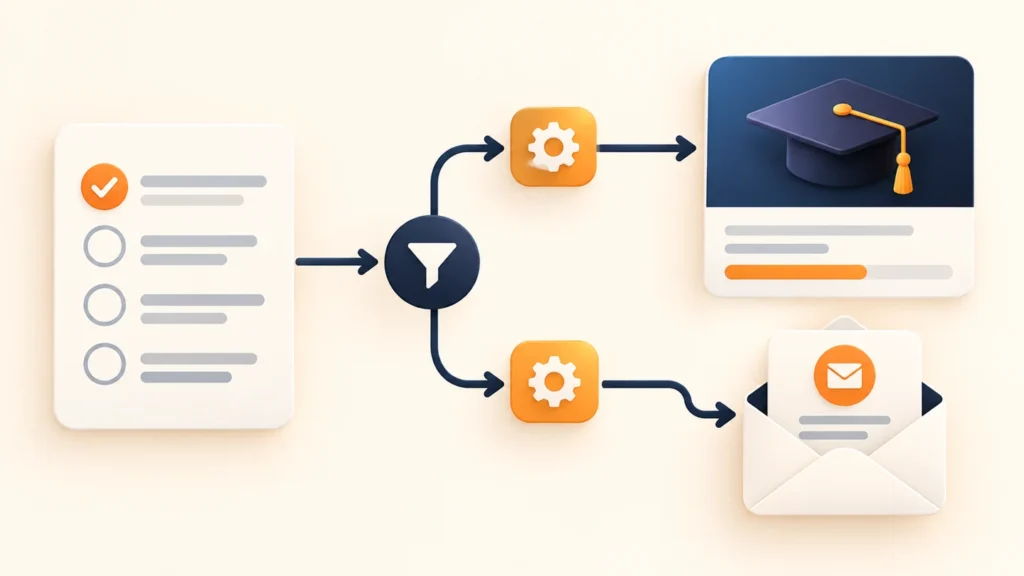
| LearnDash site | Sign in as a learner and verify appropriate course access |
| EDD store | Check purchase entitlement, downloads and licensing where used |
| Any site | Check mobile navigation, important links and password reset |
Use test modes and designated test accounts where possible. Label test records so they can be removed afterward. Do not test by charging unsuspecting customers, changing their passwords or deleting genuine enquiry history.
Review access and visible security signals
Remove access that no longer has an owner or purpose, use appropriate roles and review security alerts. Check HTTPS, suspicious changes and unusual administrator activity. Keep supported software updated and review abandoned extensions.
Distinguish prevention from guarantees. A security scan cannot prove a site will never be compromised. If an incident occurs, the maintenance agreement should explain investigation, cleanup, recovery and any limits on included work.
Watch performance without breaking functionality
Compare representative pages over time using consistent test conditions. Include a product or course page and an interactive journey, not only the homepage. Investigate slow server responses, oversized images and unnecessary scripts before adding another optimization tool.
After a caching or script change, repeat checkout and form tests. A faster page that fails to take orders is a business regression. Record both performance observations and functional results in the maintenance report.
Make the maintenance agreement understandable
Ask which sites are covered, what checks are included, how often they run, what response means and how developer time is charged. Clarify hosting, paid plugin licenses, new features, content entry and major incident recovery. Put any complimentary maintenance period and its start date in writing.
Common questions
Does maintenance include redesigning pages?
Only if the agreed scope includes it. Routine care and new development are different workloads.
How often should we test a restore?
Agree a cadence based on business risk and repeat it after material hosting or backup changes. The important evidence is a successful, documented restore.
Choose care around your actual site
Compare our WordPress care plans and their published scope. If you also have a development backlog, review development-hours blocks and included first-month care. Tell us which journeys your site depends on so we can recommend the appropriate level.
Conceptual editorial image created for WooCrafters; interface shown for illustration.