

Product details included
Use product name, URL, SKU, price, site name, and variation details in the message.
View setup guideAdd a Buy via WhatsApp button to WooCommerce product pages. Start a conversation with product details already filled in, including the selected variation.
From $0.00
No license key is issued for this download. Its included features work without premium activation.
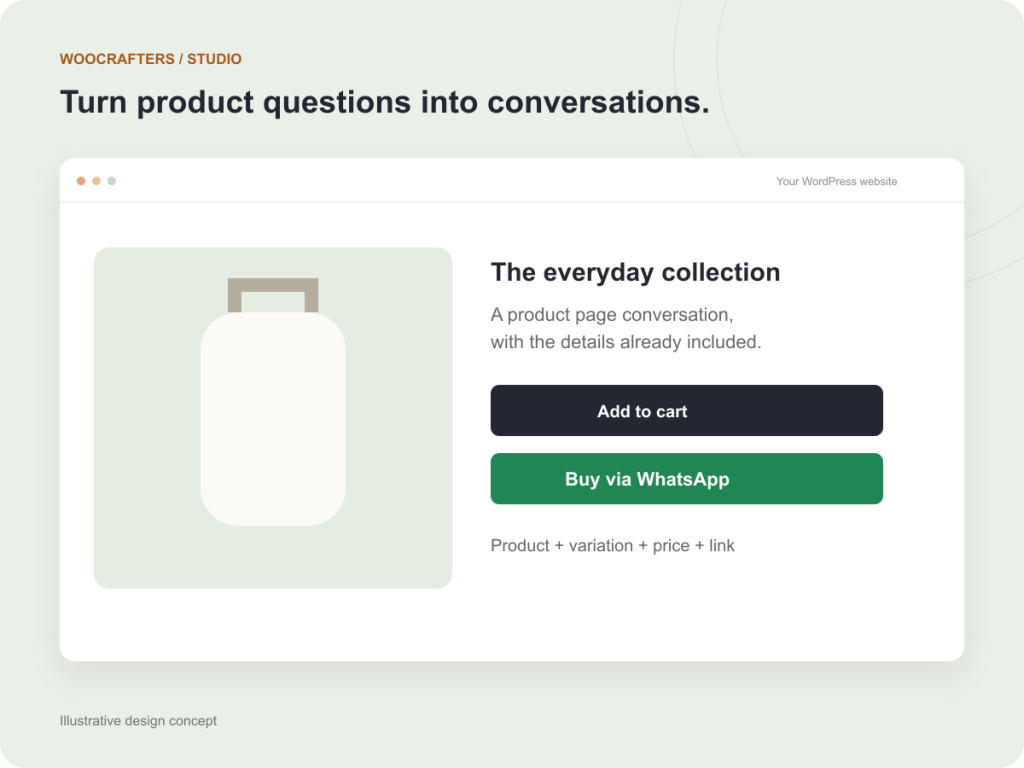
Use product name, URL, SKU, price, site name, and variation details in the message.
View setup guideChoose the button label, icon visibility, placement, and whether WhatsApp opens in a new tab.
View setup guideThe message updates with the selected variation so the conversation starts with useful context.
View setup guideGive customers a way to ask a question while the product is still in view. Configure your international phone number and message template from WooCommerce settings.
The free core includes the product-page button and message controls. Some advanced styling and visibility controls in the package require a separate premium license; they are not included in this free download.
Read the installation guideUpload the ZIP in WordPress and activate it with WooCommerce active.
Open WooCommerce → WhatsApp Button. Enter an international phone number using digits only.
Test a simple product and a variable product on desktop and mobile before publishing the button.
WhatsApp for WooCommerce
$0.00
Yes. The core product-page button and message settings are free. Premium controls and premium updates require a separate license and are not part of this listing.
The package declares WordPress 6.3 or later, PHP 8.1 or later, and WooCommerce 7.0 or later. Test compatibility with your particular theme and extensions on staging.
Use the international country code followed by the number, with digits only and no plus sign or spaces. Confirm that the number is active on WhatsApp.
No. It adds a product conversation button. Orders, payments, and fulfillment remain in your existing WooCommerce workflow.
Tell us about your project and we’ll help you find a way forward.
Your goals, users, and priorities.
Focused development with clear checkpoints.
A tested handover and a practical next step.