
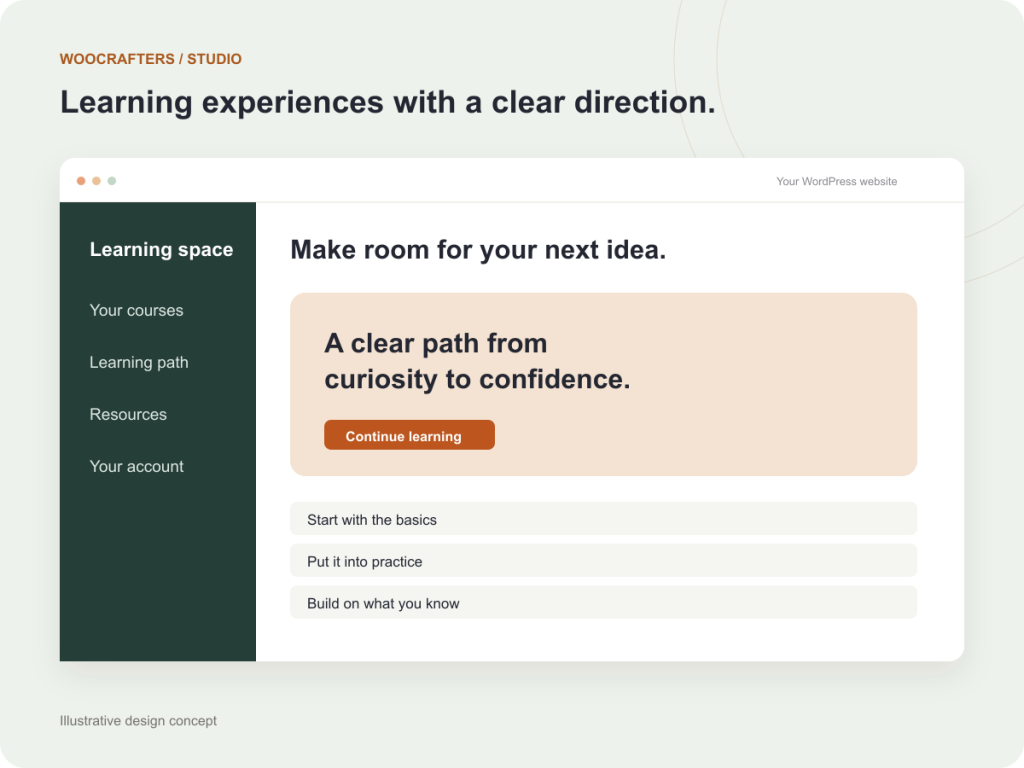
LearnDash website planning is easier when you begin with the learner’s journey. Before choosing a theme or adding extensions, decide how someone finds a course, gains access, completes the work, and gets help. Those decisions shape both the website and the administration behind it.
A short planning document can prevent expensive changes later. It does not need to describe every screen. It should explain the teaching model, the access rules, and the tasks your team must manage.
Choose the enrollment model
Write down whether learners join individually, buy access, receive an employer invitation, or enroll through a membership. Then decide how long access lasts and what happens when a payment fails, a membership ends, or a learner changes groups.
LearnDash provides several enrollment modes, but the right choice depends on the selling and access tools you use. Review the official enrollment settings before treating an extra extension as necessary.
For example, a company training site may need a manager to assign seats and review progress. A public course business may need a simpler individual purchase flow. These are different requirements even if the lessons look similar.
Build one representative learning path
Prepare a sample course with its sections, lessons, topics, and assessments. Include enough real material to reveal how navigation, video, downloads, and instructions work together.
- Can learners move freely, or must they complete steps in order?
- Are lessons released immediately or on a schedule?
- What counts as completion: viewing content, passing a quiz, or submitting work?
- Can learners retry an assessment, and which result should count?
- Is a certificate required, and what information should it contain?
Keep each rule connected to a teaching purpose. An unnecessary restriction can make a simple course harder to use and support.
Define staff roles and reporting
List the people who publish courses, enroll learners, answer questions, and review results. Give each role the access it needs. In a group training model, confirm whether managers should see only their own learners.
For every report, explain the decision it supports. “We need a dashboard” is less useful than “a group leader needs to identify learners who have not completed required training.” Agree the meaning of completion, the relevant dates, and whether an export is needed.
Plan content, support, and operating costs
Decide who writes, records, uploads, and maintains course material. Also record the tools required for payments, email, video hosting, memberships, and any external reporting. Check their licenses and recurring costs before the design depends on them.
Learners need an obvious route to help. Explain where account questions go, how course questions are handled, and what information a support request should include. Avoid promising a response time your team cannot consistently meet.
Test the exceptions as well as the first lesson
Use representative test accounts to review a new enrollment, a returning learner, a completed course, an expired entitlement, and a group leader where applicable. Check relevant email links and mobile navigation.
Also review what happens when an action fails. A declined payment should not grant paid access. An incomplete lesson should show a clear next step. If a manager removes someone from a group, the resulting access should match your policy.
Turn the plan into a development brief
Your brief should include the audience, enrollment model, sample course, completion rules, staff roles, reporting requirements, integrations, and launch priorities. Mark any undecided items so they can be resolved before implementation.
Our LearnDash website development service can help build a new platform around that brief. If the site is already running, LearnDash customization may be the more focused option.